From Generic to Genius
How to Customize Any Curriculum for Any Audience Using AI
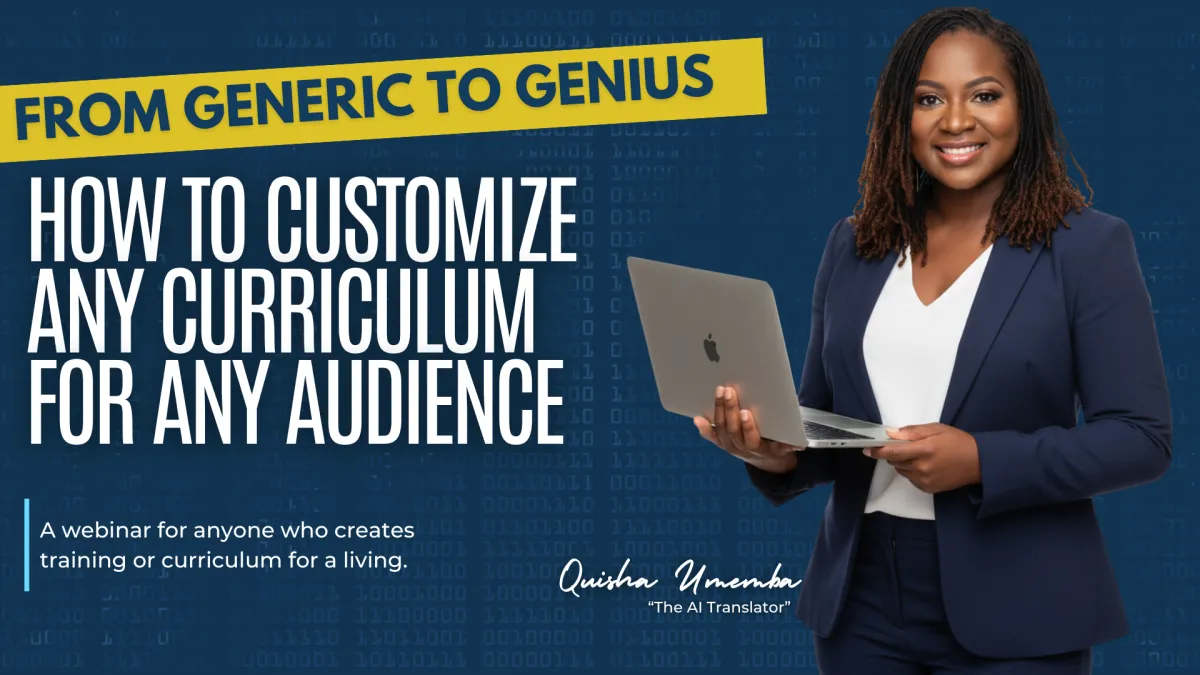
About this Webinar
You have two options when you need training content for a new audience. You spend weeks building something from scratch, or you hand over a curriculum that feels like it was written for nobody in particular. Neither one feels right, and neither one has to be your only choice.
In this webinar, you'll see how to take a curriculum you already trust and reshape it for a brand new audience, without losing the quality, structure, or rigor that made it good in the first place. We'll show you real, side-by-side examples of what generic content looks like next to content that's been fully customized; the language, the names, the scenarios, and the case studies all rebuilt around a specific group of learners.
This training is built for anyone who creates training or curriculum for a living, including:
-Subject matter experts who want to turn their knowledge into training
-Instructional designers
-Curriculum developers
-Trainers and facilitators
-Consultants who build learning programs for clients
What This Training Covers
✓ The real cost of building training from scratch, including what one hour of accredited content actually takes to develop
✓ Why reusing generic content usually fails to connect with a new audience, and what that costs you in engagement
✓ A live, side-by-side walkthrough of two real curriculum modules, shown before and after customization
✓ The five things that should never change when you customize content, and the specific things that should
✓ How to build and prompt an AI tool to review your content and recommend changes, without letting it rewrite your work for you
✓ Where human oversight has to stay in the process, and why
Here's Why You Should Attend
01
See the actual transformation, not a theory. You'll watch two real examples change in front of you, the exact case study, the exact scenario, the exact language, before and after.
02
Learn what to protect and what to change. Most people either change too much and lose quality, or change too little and stay generic. This training draws a clear line between the two.
03
Walk away with a process, not just inspiration. You'll leave with a workflow you can apply to your own content, whatever industry or audience you serve.
Generic training costs you more than you think.
It costs you engagement, trust, and results, even when the content underneath is solid.
The fix isn't building everything from scratch every time. There's a better way.
MEET THE FOUNDER & CEO
About the Presenter
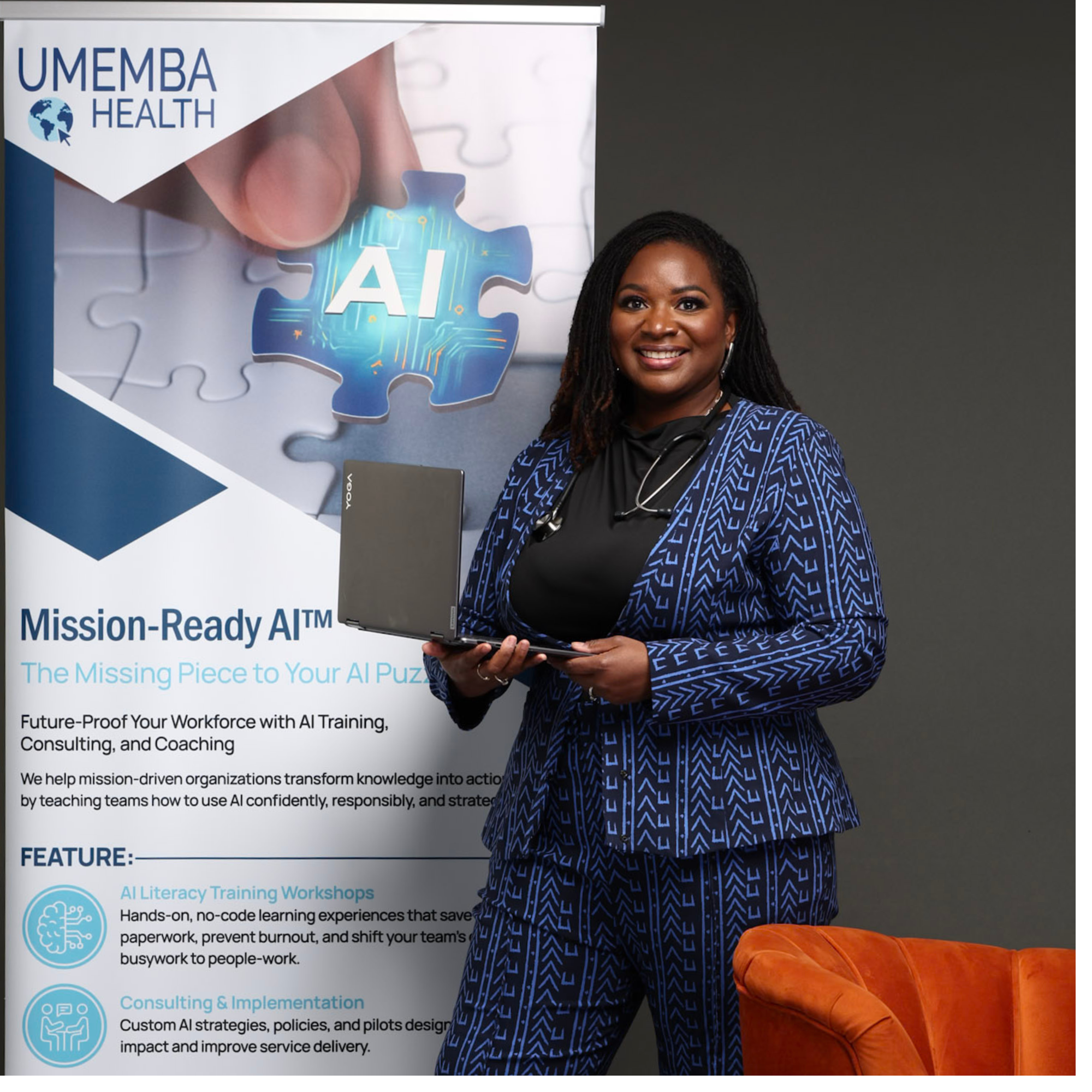
Quisha Umemba is the CEO of Umemba Health, an educational technology company that helps organizations and mission-driven leaders build, deliver, and scale training that actually works.
She is a self-taught instructional designer and a nationally recognized curriculum developer. Over the past six years, she has built and licensed curriculum used by more than 300 organizations, training over 5,000 Community Health Workers across the country.
Quisha now spends much of her time helping trainers, curriculum developers, and consultants use AI the right way, as a tool that makes their expertise go further, not something that replaces the work only they can do.
Frequently Asked Questions
What's included in the replay purchase?
You'll get full access to the recorded session, the slide deck, transcript, and the Curriculum Customization Workbook, which walks through much of what's covered in the training in more detail.
Is this only for healthcare or CHW trainers?
No. While the live examples come from a Community Health Worker curriculum, the process applies to any training or curriculum work, food service, hairstyling, case management, corporate training, and beyond. If you're a trainer in your industry, the same workflow applies.
Do I need to already have a curriculum to get value from this?
It helps, but it's not required. The training focuses on customizing existing content for a new audience, so it's most useful if you already have a course or curriculum you're working from, or one you're building toward.
What's the difference between a course and a curriculum?
A course is something one person can go through, often self-paced or something you're personally teaching. A curriculum includes everything needed for someone else to teach it too, handouts, a facilitator guide, and assessments. This training touches on both, but focuses mainly on full curriculum customization.
Does the training cover the tools and prompts used in the actual project?
Yes. You'll see the type of AI workflow used to review content and recommend changes, along with where human review stayed part of the process at every step.
How long is the training?
The recording runs 90 minutes.
Is there support after I watch the replay?
Yes. If you have questions about your own curriculum after watching, you can reach out to schedule a quick connect call to figure out the right next step for you.